
Web Design Tip – Don’t use graphics if text will work just as well.
 Sometimes, you may be tempted to put some text in an image to display on the web page. However, in almost all cases, text is the best thing to use in your design. Here are a few reasons why:
- Text can be read by Search Engine spiders. Images – not so much.
- Text can be ready by humans. This is especially important in the event that your web page is passed through a language translator.
- Text will always show up but sometimes the paths to images get lost and they fail to display.
About the only time to create text as an image is if you absolutely must use an artsy or abstract text font and there is a high probability that most of your site visitors won’t have that particular font installed on their machines. In a case such as that, you will probably have to create that text as an image. Just remember to make use of the ALT attribute so that the image is correctly described to screen reading programs and Search Engine robots.

Recent Posts
In Web Design
Web Design Mistakes, web design tips
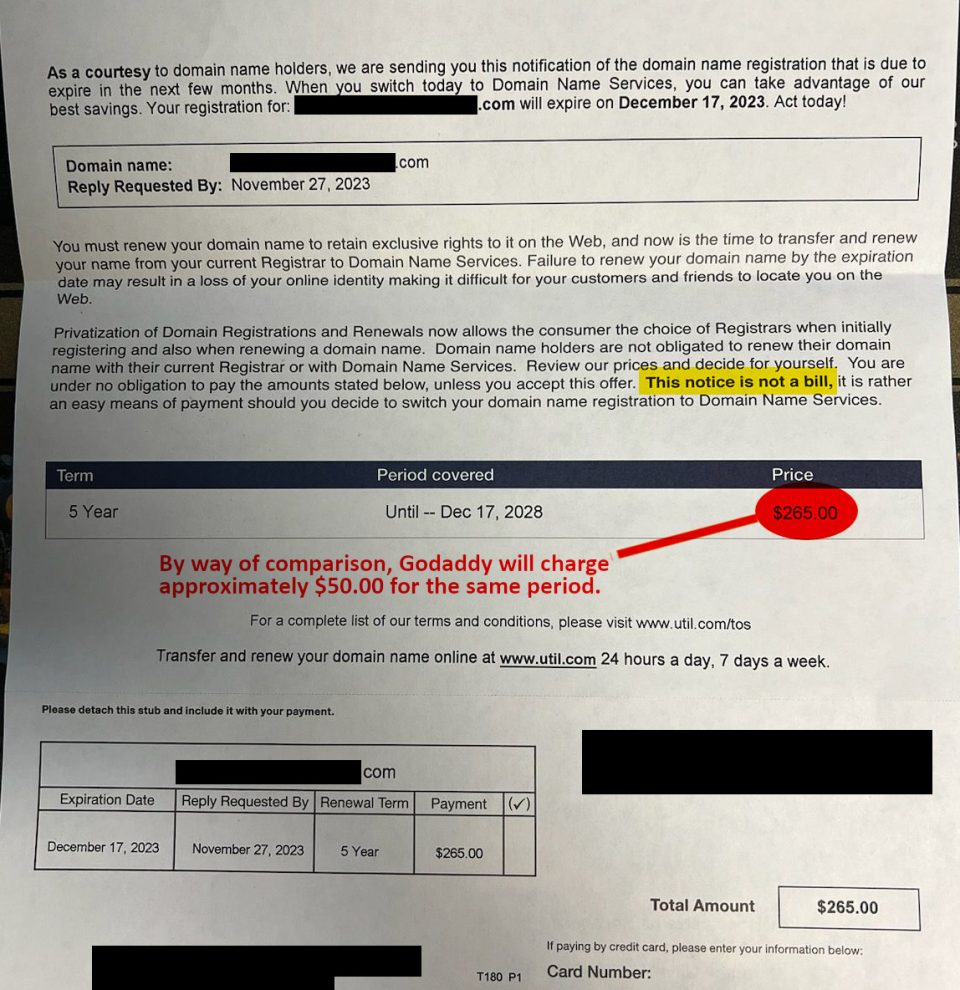
Domain Name Services Scam - Kind of
Dec 18, 2007
Web Design Tip – Don’t use graphics if text will work just as well. Sometimes, you may be tempted to put some text in an image to display ...
Web Design Mistakes, web design tips
Web Design Basics
Dec 18, 2007
Web Design Tip – Don’t use graphics if text will work just as well. Sometimes, you may be tempted to put some text in an image to display ...

Web Design Mistakes, web design tips
Three Common Web Design Mistakes
Dec 18, 2007
Web Design Tip – Don’t use graphics if text will work just as well. Sometimes, you may be tempted to put some text in an image to display ...
